BarOS Studio · desktop software

A dashboard for your second screen.

A desktop app for arranging useful information on a companion display. Set up widgets for time, system information and weather, then make the layout yours.

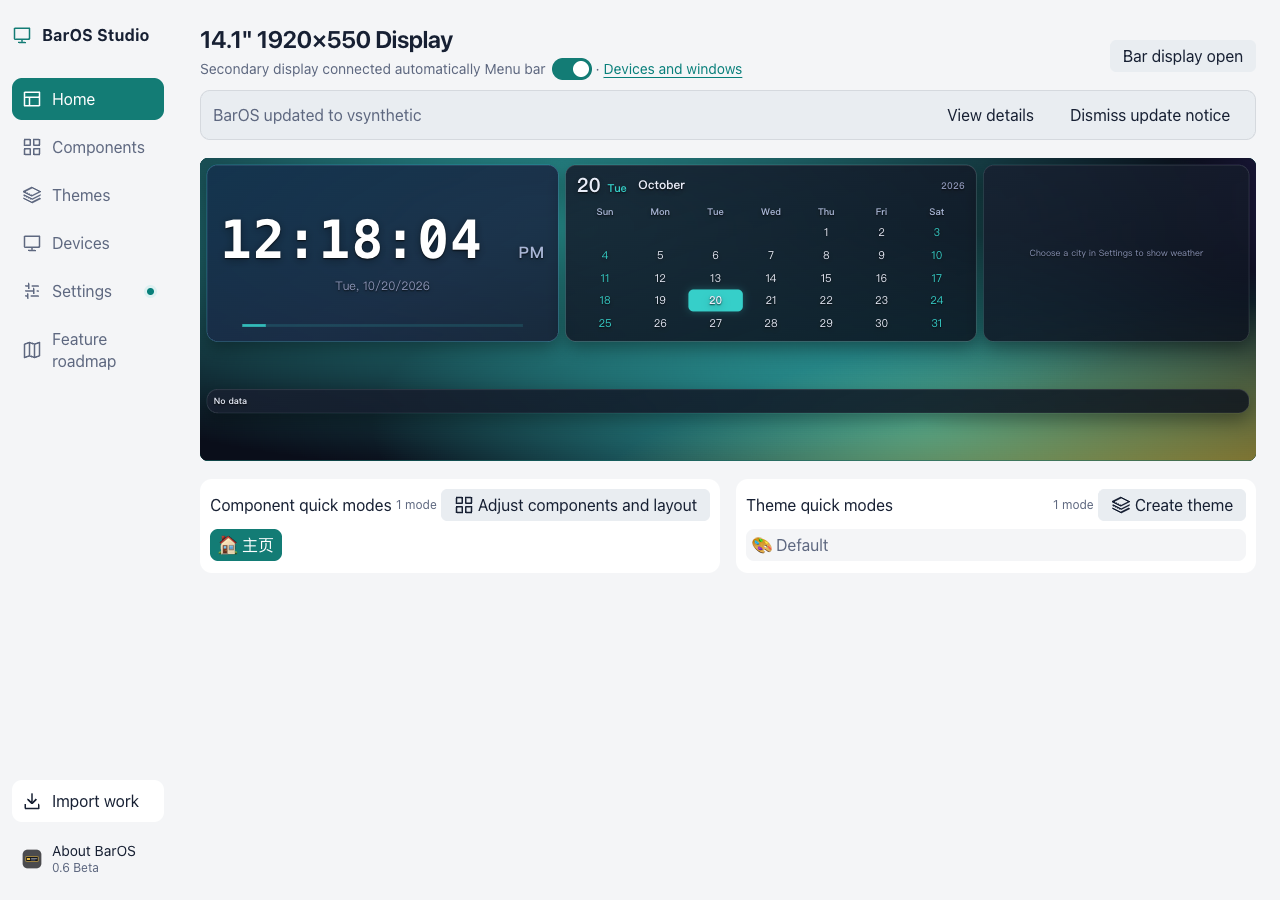
BarOS Studio interface preview with dashboard widgets and demonstration data
Interface preview with demonstration data.

Download status

WindowsComing soon
macOSComing soon

What you can shape

Widgets, themes and useful information.

Widget canvas

Arrange your widgets

Place widgets on a canvas and make a layout that fits your companion display.

BarOS Studio widget canvas demonstration with movable dashboard elements
Widget canvas preview with demonstration data.

Theme previews

Choose a look

Compare a few visual directions for the way your workspace could feel at a glance.

BarOS component theme previews rendered with demonstration data
Theme previews rendered with BarOS components and demonstration data.

Dashboard information

Keep essentials in view

Use time, system information and weather as building blocks for your dashboard.

BarOS Studio dashboard demonstration showing time system information and weather
Dashboard preview with demonstration data.

Features and device support vary by release and platform.

Choose your platform

BarOS for your computer.

Windows

BarOS

Downloads are coming soon.

Coming soon

macOS

BarOS

Downloads are coming soon.

Coming soon

Installation information

Questions, answered.

Which platforms can use BarOS Studio?

Platform availability will be provided with the corresponding release information.

Where can I download BarOS Studio?

Download availability is shown in the Windows and macOS sections above. Check the version and system requirements before installing.

How do I install it?

Follow the installation requirements and instructions published with the corresponding release.